

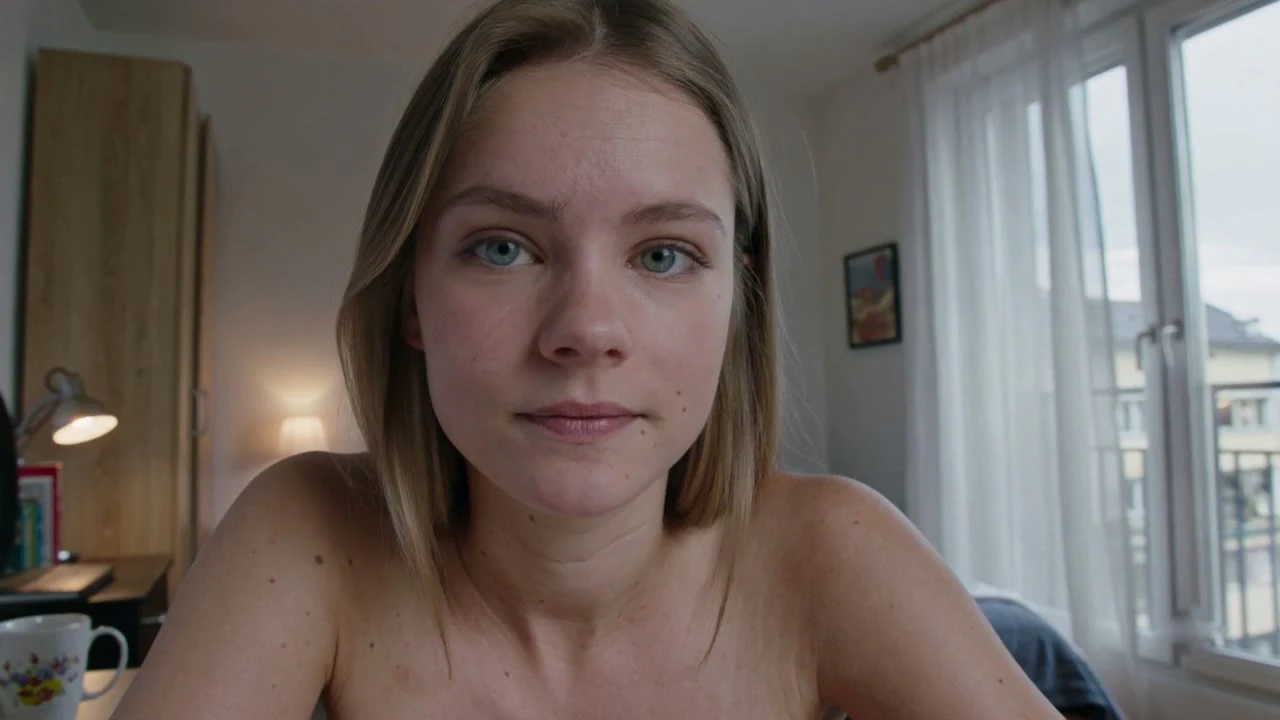
1 on 1 Video Chat
Two cameras and one conversation, straight from your browser: random calls are free, need no account and run for as long as you both want.
Start video chat18+ only, nothing to install
What a 1 on 1 Video Chat Means Here
A 1v1 video chat on ChatMate puts exactly two people on camera. Nobody else joins the call.
A group room
Many faces share one screen and attention is split
You wait for a gap before you can say anything
Leaving takes a decision in front of everyone
A ChatMate call
One face on the screen and one voice to answer
Every question you ask is meant for one person
Either of you can end it at any moment
A 1v1 chat like this is live from the first second: two people who usually did not know each other a minute ago, talking face to face. You do not post to a feed and you do not compete with a crowd for a turn to speak.
That format changes how a conversation feels. In a room full of cameras, the loudest voice sets the topic and quieter people end up watching. With one person on the other side, a simple question gets a real answer, a joke gets a laugh or a blank look, and you find out fast whether the two of you have something to talk about.
The match is random. You press Start and ChatMate connects you with someone who is online at that moment. You cannot plan who appears, so every call starts fresh. If it is a good one, stay. If not, Next brings someone else.
Free Random Calls and What Coins Add
You do not need coins for random calls. They only come in for two optional extras.
Free
Random calls, no account needed
No time limit on a call
No daily cap on how many calls you make
Next as often as you like
Report on every call
Coins
Two extras, after you sign in
Gender filter: match with women only
Private call with a person you choose
Private calls are charged per minute
A random call costs nothing whether it lasts two minutes or two hours, and you can make as many of them as you like in a day. Because a random call needs no account, you can open the site, talk to a few people and close the tab without creating one.
The two extras are there for people who want more control over who they meet. Both need you to sign in and both use coins, and the private call keeps charging per minute for as long as it runs. Buying coins is never required to keep using random calls. When you do buy them, the charge on your card statement shows a neutral name.
Start a 1v1 Video Call in Three Steps
There is no sign-up form between you and a random call. From an open browser to a live face takes three actions.
1
Open ChatMate
Go to chatmate.tv in the browser you already use, on a phone, tablet or computer. Start is on the first screen.
2
Allow camera and mic
Your browser asks before anything turns on. Say yes to both, and know that you can switch either off again later.
3
Press Start
ChatMate pairs you with someone who is online now. When you want a different face, press Next.
A one-to-one call also suits practising a language. Only one other person is speaking, so you can ask them to slow down, repeat a word or correct your pronunciation without holding up a room. If you are learning, say so in your first sentence: many people are happy to switch to an easier pace once they know.
Treat your first few calls as a warm-up. Some will end after a hello, some will turn into a long conversation, and you will soon notice which openings and which times of day suit you. Only after that is it worth deciding whether the coin extras are something you want at all.
The First Minute on Camera
Both of you see a face, hear a voice and choose whether to stay. A little thought about each stage makes staying more likely.
First seconds
Be in the frame, in the light and looking at the screen. Say hello before you do anything else.
First minute
Ask something easy to answer: where they are, what time it is there, what they were doing before the call. Then listen to the answer.
After that
If the talk flows, follow it. If it stalls, say thanks and press Next. Neither of you needs a reason.
A blank stare or a view of the ceiling is hard to talk to. Lift the camera to eye level, sit facing a window or a lamp, and keep the microphone close enough that you do not have to shout. A grainy picture is easy to forgive; a face that cannot be seen is not.
Prepared openers tend to fall flat. A simple greeting followed by a genuine question lands better and gives the other side something easy to reply to. When the other person turns down a question or a request, take the answer as final. Pushing past a no is the quickest way to lose a good call, and it is also the kind of behaviour the Report button exists for.
Next, Report or Close the Tab
Every random call has an easy way out. Knowing which one to use keeps the next call pleasant for you and for the person you leave.
Next
The call just is not clicking
No explanation needed. You move on to someone new, and so does the other person.
Report
Someone breaks the rules
Abuse, unwanted nudity, scams, people pushing outside links, or anyone who seems to be under 18.
Close the tab
You are done for now
Random calls keep no account open, so closing the tab is all it takes to leave.
Next is the everyday exit and nothing to feel awkward about. Some calls end quickly because two people simply have little to say to each other, and that is fine for both sides. Staying in a call you are not enjoying only keeps you both from a better one.
Report is for something worse than a dull call. Use it first, then press Next or close the tab. Moderators and automated checks work around the clock, and reports from the call screen help them act on people who make calls unpleasant for everyone else. If someone looks younger than 18, report them even if nothing else happened.
What Reaches the Other Side of a Call
A one-to-one call shows your face to a stranger, so it helps to know what reaches the other side.
Reaches the other person
Your picture, while your camera is on
Your voice, while your microphone is on
Whatever you choose to say or show
Stays with you
Your IP address, since calls pass through our servers
A copy of the call on our side, because ChatMate keeps no recording
An unencrypted stream, since calls are encrypted end to end
What reaches the other person is in your hands. You decide when the camera and the microphone are on, and the browser will not switch either one on without your permission. With no crowd around, a one-to-one call can feel closer than it is, and it becomes easy to share more than you planned. Check what sits behind you before you press Start, and let a name or a city wait until the conversation has earned it.
What stays with you is our part. Every call travels through ChatMate's servers, which keeps your IP address away from the person you are talking to, and the video stays encrypted end to end along the way. Once the call is over, ChatMate holds no recording of it.
There is one thing no platform can promise: someone could film their own screen with a second phone. Leave out anything you would mind seeing copied. ChatMate is for adults aged 18 and over.
Where and How You Call
There is no app to download first. The call opens in a browser tab and works the same way whichever screen you pick up.
Phone
Good for a quick call from the sofa. Rest it on something steady rather than holding it.
Laptop
Leaves your hands free for a longer conversation, with the webcam you already have.
Tablet
Shows the other person larger than a phone does, and a stand keeps your side still.
Random calls do not need an account, so switching from a laptop in the evening to a phone the next morning means nothing more than opening the site again. If you do sign in for the coin extras, that is the only time a login enters the picture.
Prefer every call to be with a woman? That is what the gender filter is for, and the webcam chat with girls page is the place to start.
Questions About Calling on ChatMate
Should I buy coins before my first call?
There is no need. Make a few random calls first, since they cost nothing. The gender filter and private calls are there later if you want more say over who you meet.
What if I feel nervous on camera?
Keep the first calls short and light. The browser lets you turn the camera or the microphone off whenever you like, and Next ends a call without any explanation.
Is a free random call private?
It is a call between the two of you, not a room. The paid private call is a different feature: it lets you call a person you choose, after signing in, and is charged per minute in coins.
Will the other person see where I am?
Your IP address stays hidden from them, because calls pass through our servers. What your camera and microphone pick up is another matter, so check your background before you press Start.
What happens after I press Report?
The report reaches ChatMate's moderation, which runs around the clock with people and AI. You do not have to stay in the call while it is looked at: report, then leave.
Can I keep my camera off?
Your browser asks before the camera turns on, and you can switch it off at any time. A call is easiest when both faces are in view, so switch it back on when you want the other person to see you.
Is a call recorded?
Not by ChatMate. Nobody can stop a person from filming their own screen with a second phone, which is why private things are best kept off camera.
Who can use ChatMate?
Adults aged 18 and over.
One camera each Say hello
No account, no fee for random calls and no clock running. Press Start and see who is on the other side.
ChatMate is random video chat for adults: two cameras, one conversation, and Next whenever you want it.